
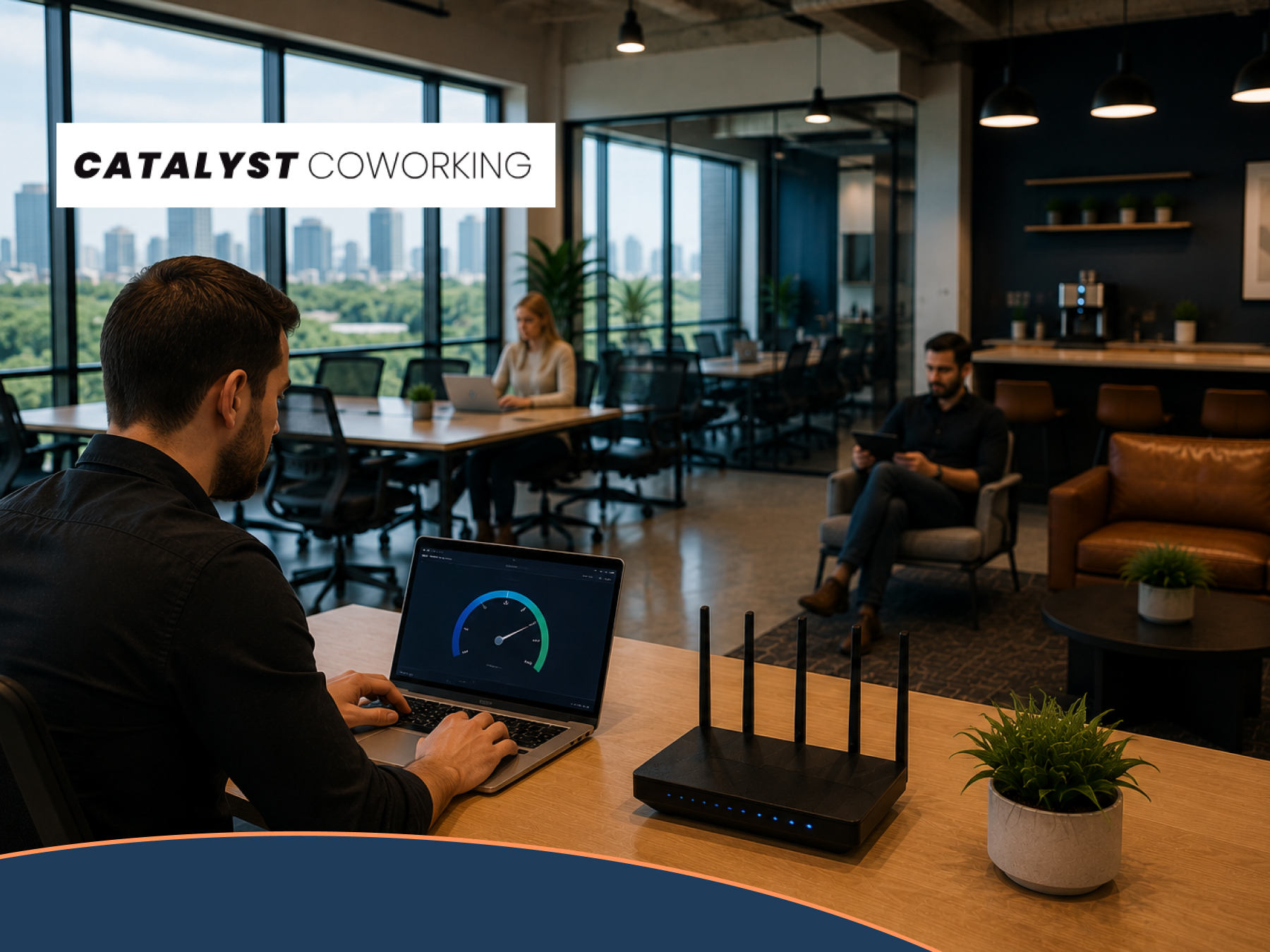
You can put up with a small desk. You can put up with mediocre coffee. You cannot put up with wifi that drops your client call at minute eleven.
So when you tour a coworking space, “how fast is the wifi?” is a fair question. The problem is that almost nobody answers it with a number, and the number most places give you is the wrong one.
This post explains what actually breaks your connection (hint: it is almost never download speed), gives you a calculator to work out what your own workday needs, and shows you the four tests to run on any tour before you hand over a card. Including ours at Catalyst Coworking in Midtown Tulsa.
Your home internet is fast in one direction only
Most people pay for a residential plan advertised at 300 Mbps or 500 Mbps and assume they are covered. Then a Zoom call freezes mid sentence and they blame Zoom.
Here is what is actually happening. Residential cable internet is asymmetrical. Your provider hands you a wide lane for downloading and a narrow one for uploading. A 500 Mbps cable plan in Tulsa often comes with 20 Mbps of upload. That ratio was fine in 2008 when the internet was something you consumed.
Your job is the opposite. When you are on camera, you are uploading. Screen sharing, uploading. Dropbox syncing a client folder in the background, uploading. Pushing a build, uploading. Every part of a modern workday that feels fragile is an upload.
Business fiber is symmetrical. Upload matches download. That single difference is why a video call in a fiber building feels different from a video call at your kitchen table, even when the download number on the speed test looks similar.
Quick check you can run right now: open a speed test and look only at the upload figure. If it is less than a fifth of your download figure, you are on an asymmetrical connection and upload is your ceiling.
The upload numbers worth knowing
| What you are doing | Upload it wants | What happens when it is short |
|---|---|---|
| 1080p group video call | about 3.8 Mbps | Your camera silently drops to 360p and you look pixelated |
| Screen share during that call | 3 Mbps on top | Your slides lag a beat behind your voice |
| Cloud sync running in the background | 10 Mbps and up | It eats the whole lane and starves your call |
| Sending a 500 MB video file | as much as you can give it | 20 Mbps up takes about 3.5 minutes. 500 Mbps up takes about 8 seconds |
| Hosting a webinar or going live | 6 Mbps sustained | Viewers get buffering and you never find out why |
Video call figures follow Zoom’s published bandwidth requirements. The FCC’s current broadband benchmark is 100 Mbps down and only 20 Mbps up, which tells you how low the bar sits on the upload side.
Work out what your own day needs
Tap everything that happens on a normal Tuesday. The calculator adds up the upload speed those tasks want at the same time, then shows you where that lands.
Mbps
Coffee shop, home office, fiber building: the honest comparison
Three places a Tulsa freelancer actually works, and what each one gives you when it matters.
| Coffee shop | Home cable | Catalyst fiber | |
|---|---|---|---|
| Upload lane | Whatever is left after everyone else | Roughly a twentieth of your download | Same as download |
| Who you share with | Every stranger in the room | Your household and their streams | A managed commercial connection built for a full building |
| Worst hour | Noon, and it is brutal | Evenings when the neighborhood logs on | Sized for the 10am Tuesday rush |
| Security | Open network, anyone can join | Private but unmanaged | Private business network with dedicated bandwidth |
| Somewhere to take the call | The parking lot | A bedroom with a door that does not lock | Phone booths and soundproof meeting rooms |
If you want the technical side of how a shared building network is put together, we go deeper in our guide to shared office fiber internet in Tulsa.
Four tests to run before you sign anything
Any coworking space can say "fiber wifi" on a webpage. Here is how you find out for yourself in about ten minutes on a tour. Run these on us. Run them on everyone else too.
1. Tour at the busiest hour, not the quietest
A 4pm Friday tour tells you nothing. Ask for 10am on a Tuesday or 2pm on a Wednesday, when the room is full. That is the load your workday will actually compete with. If a space will only tour you when it is empty, that is your answer.
2. Read the upload number, then ignore the download number
Run a speed test on your own laptop, on their wifi, sitting at a desk you would actually use. Then look at the upload figure first. On a real business fiber connection, upload should land within striking distance of download. If you see 300 down and 15 up, you are looking at a residential plan with a business sticker on it.
3. Check ping and jitter, because that is what wrecks calls
Speed is not the same as responsiveness. Ping is the round trip delay. Jitter is how much that delay wobbles. For calls that feel natural you want ping under about 40 ms and jitter in single digits. Once one way delay passes roughly 150 ms, people start talking over each other and nobody can say why. Most speed test tools show both numbers if you look past the big headline figure.
4. Walk the building with a call running
Call a friend, keep video on, and walk from the open workspace to a phone booth to a meeting room. One access point in a lobby does not cover a building. If your video holds up in every room you would use, the wifi is properly built. If it stutters at the far end of the floor, you have found the desk to avoid.
Wifi is one line on a longer list. We wrote up everything else worth checking on a tour, from parking to how the coffee actually works, in our Tulsa coworking tour checklist. Print it, bring it, use it on every space you visit.
Fast wifi is wasted if you have nowhere quiet to use it
A perfect connection does not help when a barista calls out a drink order behind you, or when the dog barks through your quarterly review. The network is half the job. The room is the other half.
- Phone booths you do not have to book. Take the call the moment it comes in, on the same connection, behind a door that actually blocks sound. More on why this matters in why a phone booth makes or breaks a coworking space.
- Meeting rooms for 4 to 10 people. Cast your screen, get everyone on camera, no buffering. See meeting room options and hourly rates.
- A desk you can hardwire. Designated Desk members plug straight into the network and leave a desktop and dual monitors set up overnight.
- Network printing. Send a full color PDF wirelessly and pick it up on the way out.
- Brice's Coffee on site. The coffee shop experience without the coffee shop network.
Premium members and above get 24/7 keyless access, so the fast connection is there at 6am and at 11pm, not just between nine and five.
What it costs to get on the network
Month to month, no long lease, and the whole thing is a deductible business expense. Every tier below runs on the same fiber connection. What changes is how much access you get to the building around it.
| Membership | Per month | What you get |
|---|---|---|
| Virtual Office | $37 | A real Tulsa business address and mail handling. No desk. |
| Coworking | $77 | Business hours access to the open workspace and the fiber network. |
| Premium | $177 | 24/7 keyless access plus meeting room credits. |
| Designated Desk | $227 | Your own permanent desk. Hardwire in and leave your gear set up. |
| Private Office | $300 to $825 | A lockable suite for a team of 2 to 8 on the same connection. |
Not sure which tier fits how you actually work? Compare them side by side on the pricing and memberships page, or read day pass versus membership in Tulsa if you only need a few days a month.
Come by 2510 E 15th St on a Tuesday morning when the room is full. Open a speed test, check the upload number, take a call in a phone booth. Then decide. No pressure, no lease, month to month when you are ready.
Downtown location coming soon, with presale rates open now. See Downtown
Questions people ask before they join
How fast is the wifi at Catalyst Coworking?
The building runs on commercial Cox fiber, which is symmetrical, so upload speed matches download speed instead of being a fraction of it. Rather than quote you a number from a webpage, we would rather you walk in during a busy hour and run a speed test on your own laptop. That is the only number that means anything to you.
Does the wifi slow down when the space is full?
A commercial fiber connection is sized for a full building, not for one household. That is the core difference between business and residential service. The honest way to check is to tour at 10am on a Tuesday and test it while forty people are working. We will book you in at exactly that time if you ask.
Can I plug in with an ethernet cable instead of using wifi?
Yes, on a Designated Desk membership at $227 a month and in private offices. Hardwiring removes wifi as a variable, which matters if you move very large files or run long uploads. Your desk stays set up overnight, monitors and all.
Is coworking wifi more secure than a coffee shop network?
Considerably. A coffee shop runs an open network that anyone on the street can join. A managed business network with dedicated bandwidth is a private connection with far fewer unknown devices on it. Use a VPN either way if you handle client data, but the starting position is not comparable.
What upload speed do I actually need for video calls?
Around 3.8 Mbps of upload for a 1080p group call, plus roughly 3 Mbps more if you share your screen. That sounds small until you remember it has to be available at the same moment as everything else running on your connection. Use the calculator above to add up your own total.
Is a coworking membership tax deductible?
For most self employed people and small businesses, a workspace membership is an ordinary business expense and comes off your taxable income. Check the specifics with your accountant, since your situation drives the answer.
Can I try it before committing to a month?
Yes. Memberships are month to month with no long lease, and you can start with a day before you commit to anything. Read trying coworking in Tulsa with no contract for how that works.
Will the Downtown location have the same internet?
Same standard, business fiber throughout. Downtown is opening soon and presale rates are open now. Midtown is live today at 2510 E 15th St.
Stop guessing about your connection
Nobody quits a workspace over the chairs. They quit over the call that froze while a client was watching.
If your upload number is the thing holding your work back, you now know how to check it, what your day actually needs, and what to test on any tour in Tulsa. Use that on us and on everybody else. A space that has built its network properly will be glad you asked.
We are at 2510 E 15th St in Midtown, we have been on TravelMag's list of the best coworking spaces in Tulsa, and we would rather you test the wifi than take our word for it. Come see the space, bring your laptop, and bring your whole self to work.


0 Comments